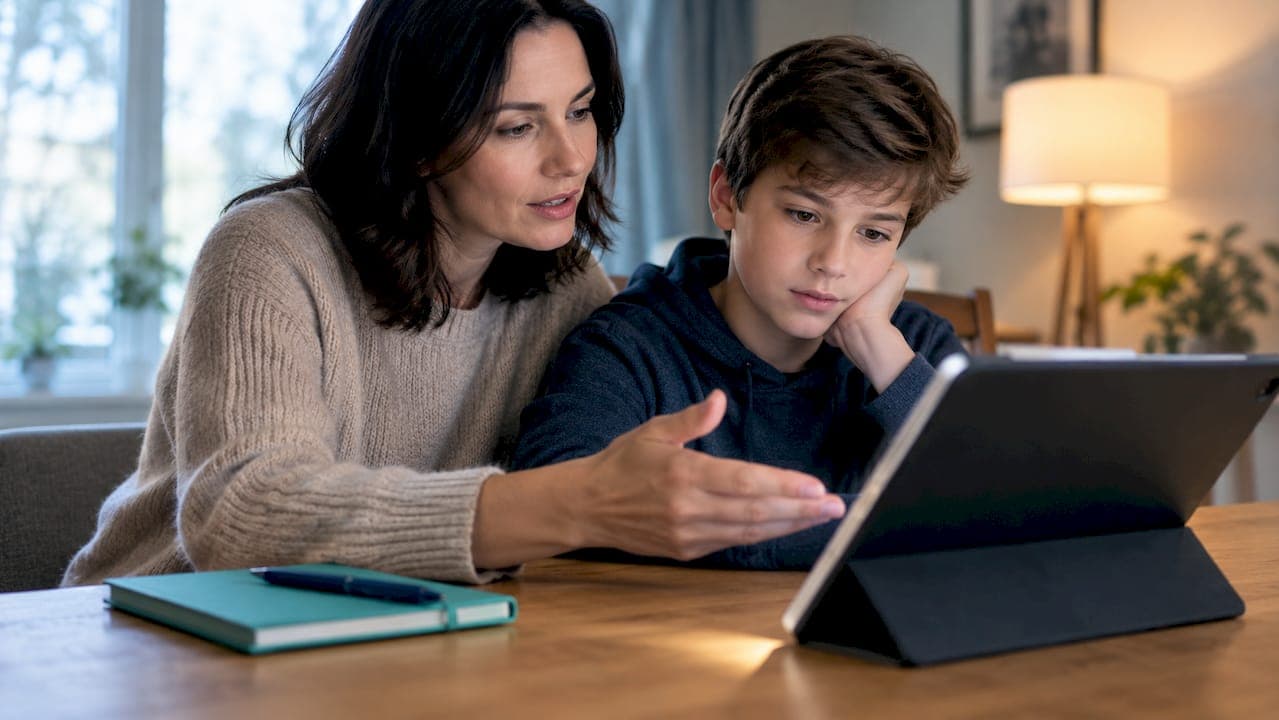
Roblox scams are common, and the rule that stops most of them is simple: Robux only comes from roblox.com, official gift cards, or developer payouts. If a link, app, or message promises free Robux any other way, it's lying. If you've already typed a password or code somewhere else, stop, leave that page immediately and don't click anything else on it; for further guidance on protecting your privacy, see Your Privacy Choices. Once you're safe, Roblox's own reporting tools are the right next step.
TL;DR:
- Most Roblox scams rely on external links or fake pages that mimic Roblox's official website to steal login credentials and personal information.
- Verifying domain authenticity and avoiding urgent language or stranger messages is crucial to identify scams within seconds.
- If credentials are entered on a suspicious site, immediately change your password on Roblox, enable two-factor authentication, and contact Roblox support.
- Parents should activate account restrictions, set parental PINs, and follow family rules against clicking external links or downloading unverified apps.
- Regularly report suspicious messages or experiences and stay informed through trusted sources to anticipate and recognize emerging scam tactics.
Table of Contents
- Common Roblox Scams Parents and Players Should Know About
- How to Spot a Scam Fast: URL, Message, and UI Warning Signs
- What to Do Right Now if You Entered Credentials or a Code
- Prevention: Parental Controls, Account Habits, and Family Rules
- Scruteon's Quick Checklist: Spot, Secure, Report
- Where Scruteon Can Help Next
- Sources
- FAQ
Common Roblox Scams Parents and Players Should Know About
Scammers don't need to break Roblox's servers. They just need one player to believe a lie for ten seconds. Here's what that lie usually looks like.
- Free Robux generators and spin wheels. These sites and apps promise Robux for watching an ad or completing a survey. They never call Roblox's actual servers. Analysis of scam Robux apps found they hardcode fake reward numbers and write "redemption requests" to a database that never communicates with Roblox's servers, according to F‑Secure. Some only ask for a username, which seems harmless. It isn't. Collecting active usernames lets scammers build target lists for more convincing phishing later.
- Phishing and cloned login pages. Fake roblox.com pages, often on typo domains or foreign country-code addresses, mimic the real login screen exactly. One tracked campaign used at least 19 active look-alike domains running fake captchas that only appear after you've already typed your password in.
- Cloned experiences. Fake versions of popular games lure players into clicking off-platform links or downloading "bonus content" that's actually malware.
- Trade scams and fake middlemen. A "trusted" trader offers to hold items safely during a swap, then vanishes with them, or asks for login details to "verify" the trade.
- Malicious sideloaded apps. Deceptive Android apps, some sitting in official app stores, exist purely to rack up ad views or install malware. Store presence is not proof of safety.
- The OAuth permission trick. This one happens on real roblox.com. A phishing link redirects you to an actual Roblox authorization screen asking you to grant a third party permission to manage your inventory and accept trades. It looks legitimate because it technically is Roblox's page, but approving it hands over control.
How to Spot a Scam Fast: URL, Message, and UI Warning Signs
Most Roblox scams fall apart under thirty seconds of scrutiny. The trick is knowing where to look.
- Read the full domain, not just the start. Legitimate pages live at roblox.com or auth.roblox.com. Watch for extra words, added letters, or a country-code ending tacked on the end.
- Ignore the padlock icon. It only confirms an encrypted connection, not a trustworthy site. Scam pages get padlocks too.
- Check for character tricks. Some phishing domains swap letters for lookalikes (a capital "I" for a lowercase "l") that are nearly impossible to catch at a glance.
- Notice urgency language. "Your account will be banned in 10 minutes" or "Limited time free Robux" are pressure tactics designed to shut off careful thinking.
- Be suspicious of DMs from strangers or forwarded messages, especially ones pushing you to leave Roblox to "claim" something.
- Watch for login prompts inside an experience or a captcha that only pops up after you've entered information. A real captcha appears before you submit anything, not after.
- Expand shortened links before clicking. A bit.ly or tinyurl link hides the real destination on purpose.
Security researchers describe this as a trust attack more than a technical one: scammers count on urgency and mimicry to bypass the part of your brain that would normally hesitate, according to How To Zone's breakdown of Roblox link scams. If something demands a fast decision, that's the scam working as designed, not a reason to hurry.
What to Do Right Now if You Entered Credentials or a Code
If you already typed a password, code, or personal detail into a suspicious page, move through these steps in order.
- Stop and preserve evidence. Screenshot the sender's username, the message, and the visible link, but don't open or interact with the destination page again.
- Go to Roblox directly, not through the link. Type roblox.com into your browser yourself and change your password immediately.
- Turn on 2-Step Verification with an authenticator app. Roblox recommends this over SMS codes, along with attaching a verified parent recovery email, according to this parent's guide to account hijack scams.
- Set a Parental PIN if a younger player uses the account, and confirm the recovery email is one an adult actually checks.
- If the scammer already changed account settings, use Roblox's official account recovery page and contact Roblox Support with proof of ownership, such as billing history or first purchase details.
- Scan the device for malware if you downloaded anything from the suspicious link. If it's an Android device and you suspect a sideloaded app, a factory reset may be the safest fix, similar to the device cleanup steps recommended for other scam link compromises.
Pro Tip: Change the password on your email account too, not just Roblox. If the same password was reused anywhere, that's the door scammers will try next.
Prevention: Parental Controls, Account Habits, and Family Rules
Most Roblox scams fail against an account that's set up correctly in advance. A few settings changes do most of the work.
- Turn on 2-Step Verification using an authenticator app like Authy or Google Authenticator, and save the backup codes somewhere offline.
- Enable Account Restrictions and a Parental PIN for younger players, and attach a recovery email an adult checks regularly.
- Make one family rule everyone follows: never click an external link for "free Robux" or a "better trade." Verify any offer inside Roblox itself, never outside it.
- Restrict Discord and chat exposure. Limit direct messages to confirmed friends, avoid joining unknown servers tied to trading, and review the friend list together every few months.
- Never sideload apps outside the official app store, and check reviews for scam complaints before installing anything Roblox-related. Keep the device's browser and operating system updated, and run an ad-blocker to cut down on malicious ad redirects.
For a quick reference before clicking anything unfamiliar, Scruteon's scam warning signs checklist covers the same red flags in under five minutes.
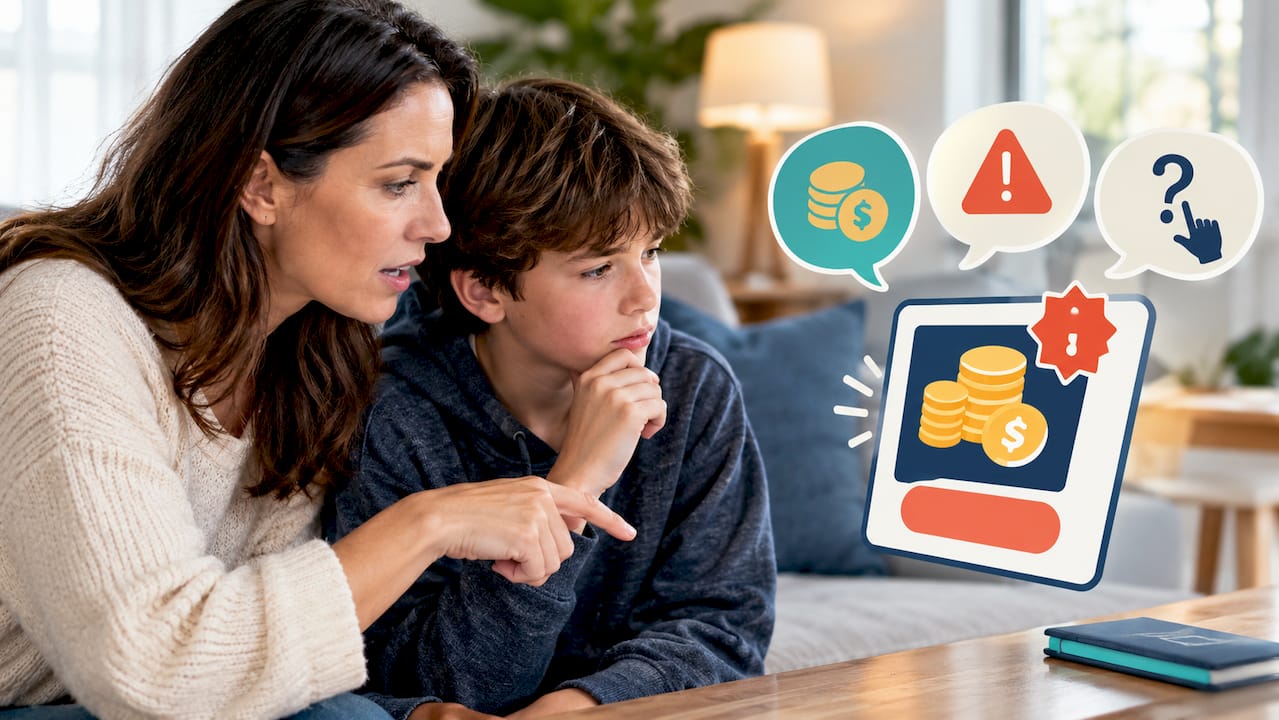
Pro Tip: Sit down with your kid once and read through a fake Robux offer together out loud. Naming the tricks out loud sticks better than a one-time lecture ever does.
Scruteon's Quick Checklist: Spot, Secure, Report
Three words cover almost every situation: Spot, Secure, Report.
- Spot the three most common lures: free Robux offers, urgent "security alert" messages, and trade DMs from strangers. Never authenticate or log in anywhere except roblox.com itself.
- Secure the account the moment something feels off. Leave the page, change the password directly on roblox.com, turn on authenticator-based 2-Step Verification, and confirm a parent recovery email is attached.
- Report it. Flag the message or experience inside Roblox, report the phishing domain to your browser or security software, and if you're not sure whether something is a scam, ask before you click.
This checklist is built from patterns security researchers track across active phishing campaigns, the tactics apps use to fake rewards, and the account-recovery steps Roblox itself recommends.
Where Scruteon Can Help Next
Spotting one Roblox scam is useful for one day. Knowing what the next one looks like matters more, since scammers rotate tactics constantly.
Scruteon's free newsletter sends one or two short emails a week covering real scams as they're happening, including the fake giveaway and phishing patterns that show up on Roblox, written in plain language with no security jargon required. If you're staring at a link right now and just need a second opinion, Scruteon's free advice page lets you ask directly whether something looks like a scam before you click it. Neither of these replaces Roblox Support or law enforcement for an active theft. They're built for the moment before something goes wrong, not the cleanup after. If you want an ongoing, low-effort way to stay ahead of the next scam format, that's the resource to bookmark.
Sources
For deeper detail or to file a report, these sources go straight to the people who track and handle Roblox scams:
- How scam Robux apps on Google Play exploit young Roblox players — F‑Secure
- ROBLOX PHISHING CAMPAIGN | Gurucul
FAQ
What should I do if I got scammed on Roblox?
Change your Roblox password immediately by going to roblox.com directly, turn on authenticator-based 2-Step Verification, and report the scammer's account or message through Roblox's official abuse reporting tool.
What happens if someone scams you on Roblox?
You may lose items, Robux, or account access, and if you entered login details on a fake page, the scammer could take over the account entirely until you reset the password and secure 2-Step Verification.
Can I get Robux back if I got scammed?
Robux lost to a scam is rarely recoverable, since Roblox treats voluntary trades and account changes as authorized unless you can prove the account was compromised, so contacting Roblox Support quickly with proof of ownership is the best chance.
What are the Robux scams to watch for most?
The biggest ones are fake free-Robux generators and spin wheels, phishing pages that clone the Roblox login screen, and trade scams where a fake "middleman" asks for your credentials to hold items safely.
Is Roblox safe from scams?
Roblox's platform itself is secure, but scams happen through outside links, cloned pages, and social manipulation, not through flaws in Roblox's own systems, which is why the "Robux only comes from roblox.com" rule matters more than any app or setting.
Recommended
- Spot Scam Warning Signs in 5 Minutes, Verify and Report (U.S.)
- 4 Step Response for QR Code Scams: Spot, Disconnect, Report
- Prevent Identity Theft: 3 Actions That Block Most Takeovers
- Is This Link Safe? Quick Checks and Free Tools
The information in this AI-assisted-generated article is for educational purposes. Scam tactics change fast, and we cannot guarantee that this information is always complete or up to date.
By reading this article, you agree that Scruteon is not responsible for any financial losses, fraud, or damages that occur if you rely on this content. This is not professional financial or legal advice. If you suspect you are a victim of a scam, please contact your bank or local law enforcement immediately.