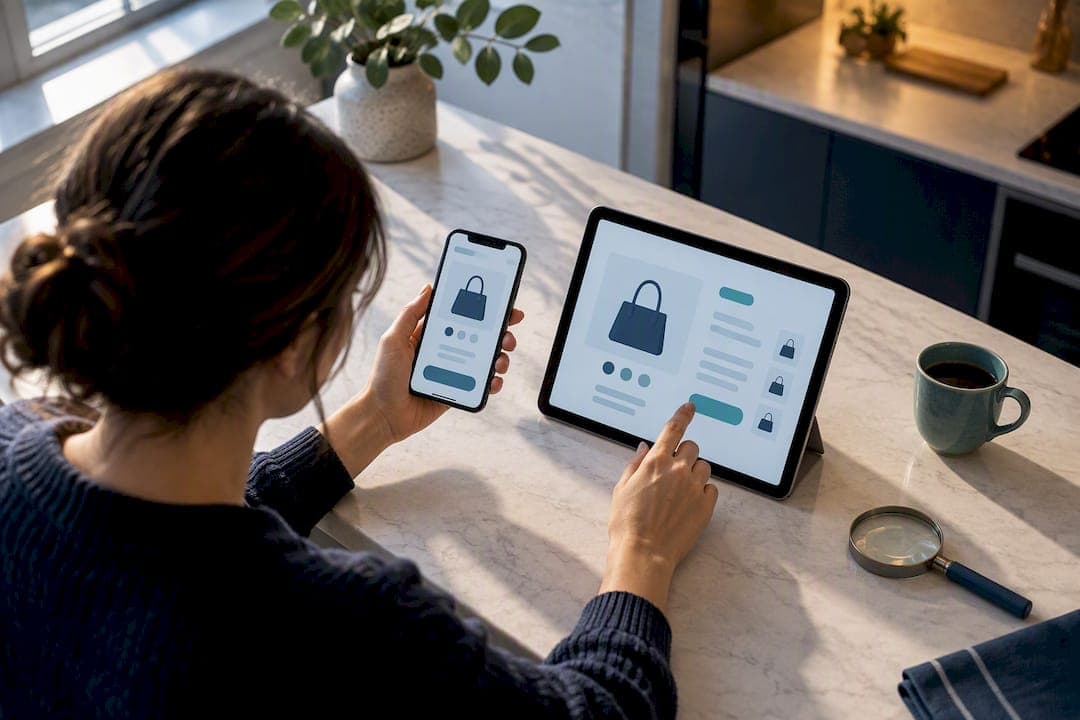
Use a credit card, never a gift card or wire transfer. Copy the seller's exact domain into a search engine alongside the word "complaint" before you pay. Turn on multifactor authentication for your retail and email accounts, and keep every receipt and confirmation email until the return window closes. Everything below explains exactly how to run each of those checks.
TL;DR:
- Use your phone’s cellular data or a VPN instead of public Wi-Fi to reduce the risk of intercepting your payment information during checkout.
- Always verify the seller’s domain with a search for complaints or reviews before trusting their listing or payment request.
- Pay exclusively with credit cards or trusted digital wallets, avoiding gift cards, wire transfers, or cryptocurrencies, which offer limited or no recourse after fraud.
- Enable multifactor authentication on your accounts and use unique passwords managed with a password manager to protect against account breaches.
- Report any suspicious messages about delivery or refunds directly through official retailer channels and act quickly if scammed by disputing charges and gathering evidence.
Table of Contents
- A Quick Safety Checklist to Run Before You Buy
- How Do You Verify a Seller, Listing, and Reviews?
- What Should You Pay With, and What Should You Avoid?
- How Do You Protect Your Accounts With Passwords and MFA?
- Post-Purchase Scams: Fake Delivery and Refund Messages
- If You Were Scammed, What Should You Do First?
- Stay Ahead of Scams Between Purchases
- Get Scam Alerts Before You Need Them
- Sources
- FAQ
A Quick Safety Checklist to Run Before You Buy
Most online shopping scams succeed because a buyer skips one of five simple checks. Run through this sequence before you enter card details on any site you haven't bought from before.
- Skip public Wi-Fi. Use your phone's cellular hotspot or a VPN on your laptop instead of an open network at a coffee shop or airport.
- Verify the seller before the product. Search the exact domain, look for a working phone number or physical address, and read the return policy before you read the product description.
- Pay with a credit card or a trusted digital wallet. Skip anything that can't be reversed once it's sent.
- Use guest checkout on unfamiliar sites. Don't let a store you've never bought from save your card number.
- Save everything. Screenshot the order confirmation, the total charged, and the return policy the moment you check out.
None of these steps takes more than a minute, and together they close off most of the ways a bad actor gets your money. The FTC's guidance on avoiding online shopping scams this holiday season backs nearly every item on this list, and for good reason: scammers count on shoppers moving fast and skipping verification.
How Do You Verify a Seller, Listing, and Reviews?
The single most useful habit in safe online shopping is also the fastest: copy the exact domain and search it with the word "complaint," "review," or "scam" attached. A counterfeit site can clone a real brand's logo, colors, and even its padlock icon, but it usually can't clone a clean search history, according to the FTC's holiday shopping scam guidance.
After that search, look for these signs before you trust the listing:
- A working phone number or email, not just a contact form
- A clear return policy and, for higher-priced goods, a physical business address
- Prices that beat competitors by a wide margin for no obvious reason
- A seller who pushes you to pay outside the platform, by text or direct wire
- Product photos that look inconsistent with the listed specs or don't match across the same listing
Reviews deserve a second look too. If the same phrasing shows up across dozens of five-star reviews, or if every review was posted within a two-week window, you're likely looking at a review farm rather than real customers.
Pro Tip: Open the seller's page on a second device or a private browser window. Some scam sites detect returning visitors and swap in a cleaner version of the page to dodge scrutiny.
What Should You Pay With, and What Should You Avoid?
Payment method is the single biggest factor in whether you get your money back after something goes wrong. A credit card gives you a formal dispute process and, often, a temporary hold on the charge while the issuer investigates, per the FTC's guide on disputing charges. A digital wallet tied to that same credit card offers similar protection with an added layer between your card number and the merchant.
Some payment methods are red flags the moment a seller requests them for a retail purchase:
- Gift cards. Once the code is used, the money is gone, and no issuer can reverse it.
- Wire transfers. These move directly between bank accounts with no dispute mechanism.
- Cryptocurrency. Transactions are irreversible by design, which is exactly why scammers ask for it.
Before you hit "confirm," check the final total, not just the item price. Shipping fees, service charges, and taxes sometimes get added at the last screen, and a legitimate retailer will show all of it clearly. Screenshot that final screen. It's your proof of what you agreed to pay if a dispute ever comes up.
How Do You Protect Your Accounts With Passwords and MFA?
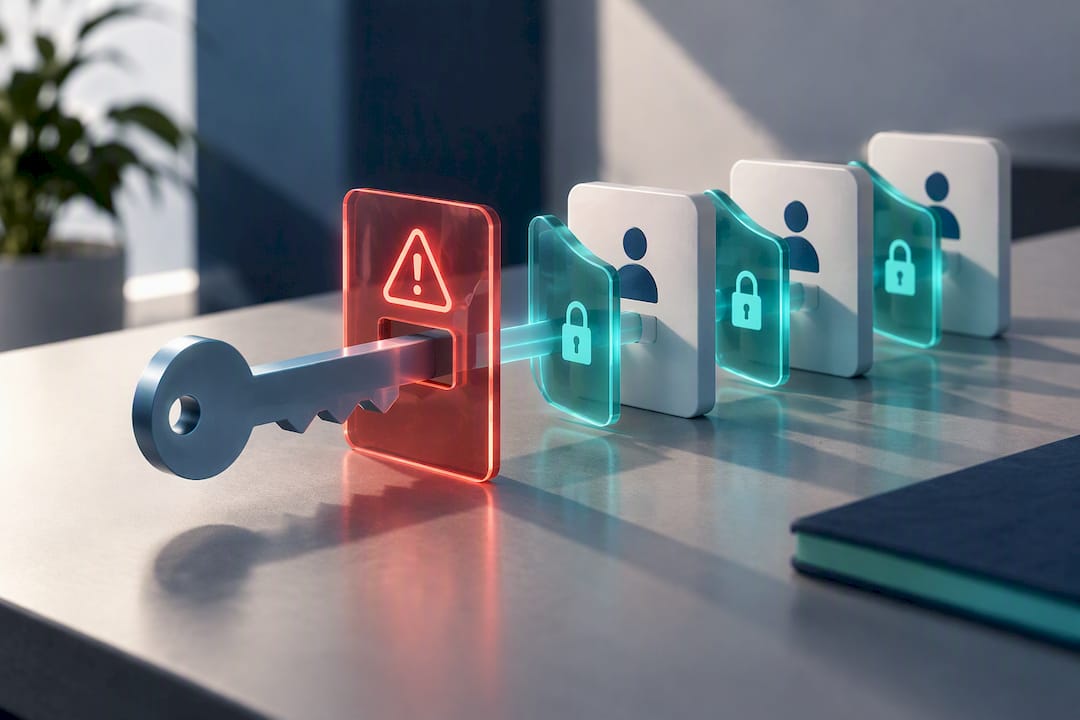
Weak account security turns a single leaked password into access to your saved cards, order history, and stored address. Fix that with a short list of habits that take minutes to set up once.
- Use a unique password or passphrase for every shopping account, managed through a password manager rather than memory.
- Turn on multifactor authentication for retailer accounts, your email, and any payment app. The NIST practice guide on multifactor authentication for e-commerce specifically recommends risk-based MFA triggers to cut down on fraudulent purchases.
- Keep your phone and computer's operating system and apps updated, and run reputable antivirus software.
- Never reuse a password across a shopping site and a bank or email account.
Pro Tip: If a retailer only offers MFA through text message, turn it on anyway. A weaker second factor still beats having none at all.
MFA sounds like a hassle until you consider the alternative: one reused password leaked in a data breach can hand a stranger access to every account tied to it.
Post-Purchase Scams: Fake Delivery and Refund Messages
The scam doesn't always end at checkout. A common follow-up move is a text or email claiming there's a problem with your delivery or that you're owed a refund, complete with a link to "resolve" it. Treat every one of these as phishing until proven otherwise. The FTC has repeatedly flagged fake refund texts impersonating Amazon as a recurring pattern, and the same trick works against nearly any major retailer.
- Never click the link in an unexpected delivery or refund message.
- Open the retailer's official app or type its known URL directly into your browser instead.
- If a package shows up that you never ordered, a tactic known as brushing, don't contact the sender. Change your passwords, check your credit report, and report it to the marketplace involved.
- Treat unusually convincing, well-written scam texts as normal now. AI tools have made phishing messages far harder to distinguish from the real thing, which is exactly why manual verification through a known channel matters more than ever, per NIST's phishing guidance.
If You Were Scammed, What Should You Do First?
Speed matters here. The faster you act, the better your odds of getting money back and limiting damage.
- Contact your card issuer or payment provider immediately. Ask them to dispute the charge or reverse the transaction, following the process outlined in the FTC's guide to disputing credit card charges.
- Gather your evidence. Save every order confirmation, message, and screenshot, and write down the exact dates and dollar amounts involved.
- File a report at Reportfraud. This helps investigators track patterns and can support your recovery case.
- File with IC3.gov if the scam was cyber-enabled, such as a fake website or phishing email, and consider placing a fraud alert with your bank.
- If personal data was exposed, change every reused password and monitor your credit through Annualcreditreport.
Every one of these steps works better the sooner you take it, which is exactly why saving your receipts and order confirmations at checkout matters so much.
Stay Ahead of Scams Between Purchases
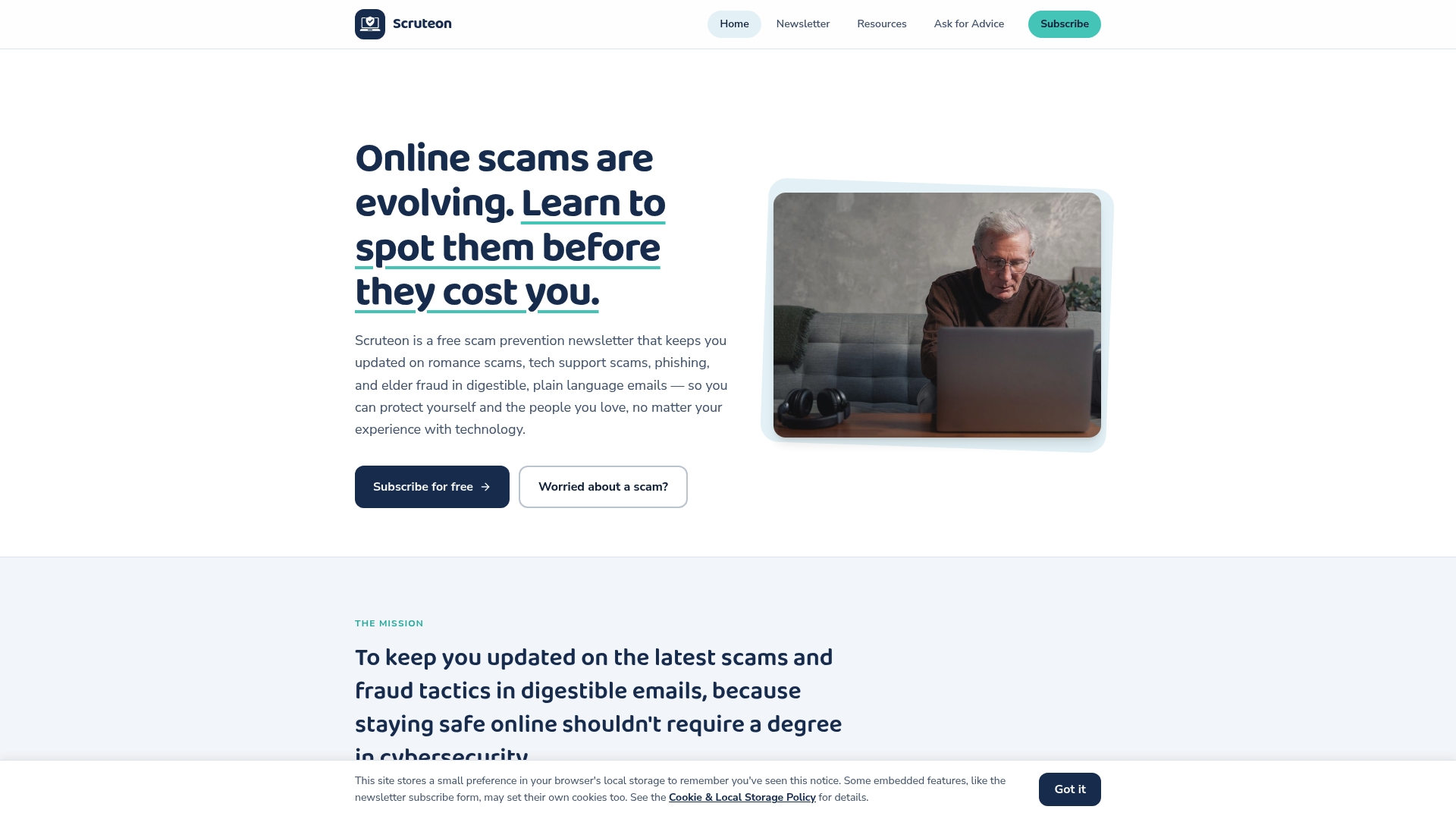
Scam tactics shift constantly, and a checklist from last year won't always catch this year's version. Some scam prevention newsletters publish regular posts on real-time scams including romance scams, phishing, tech support fraud, and elder fraud, written in plain language with no technical background required.
If you want a deeper walkthrough on the specific issues covered above, Scruteon's guide on the brushing scam covers what to do about unwanted packages, and the scam warning signs checklist gives a five-minute triage routine for suspicious messages. For a closer look at shortened or unfamiliar links, the link safety guide breaks down exactly what to check first. Author Winston writes the newsletter with a focus on accessibility over jargon.
Get Scam Alerts Before You Need Them
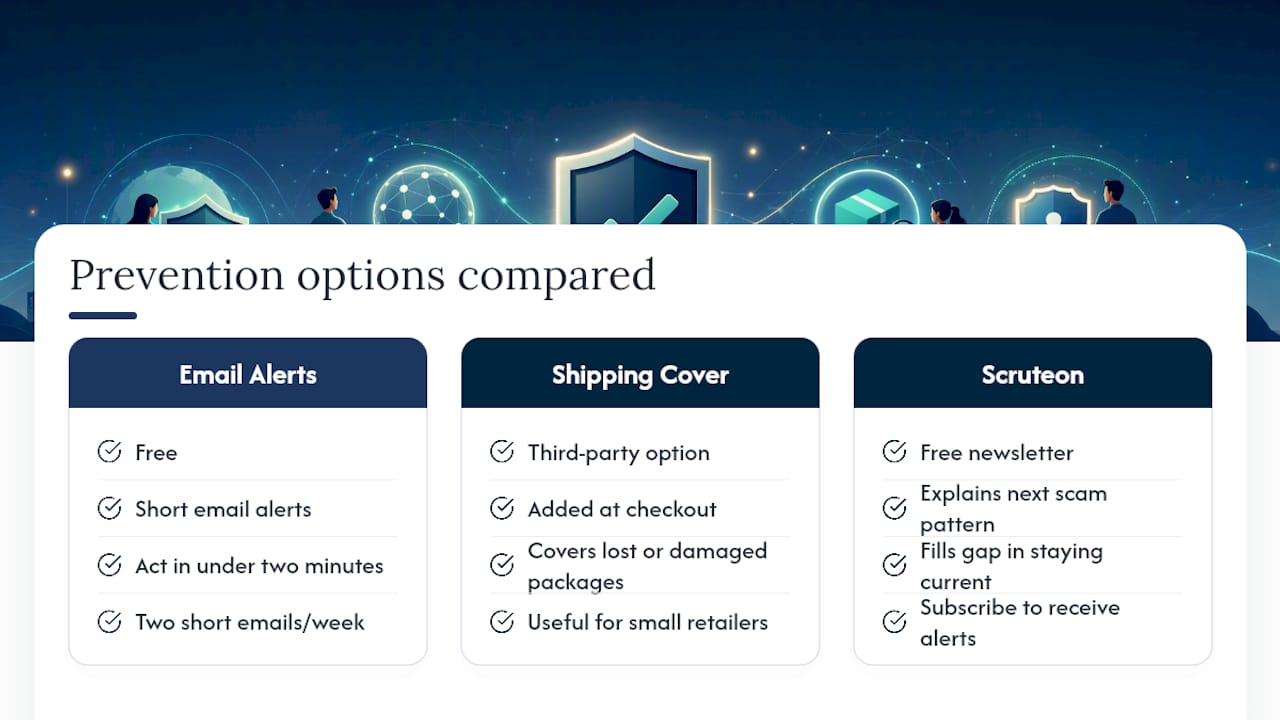
Most of what makes online shopping risky isn't a lack of willpower. It's not knowing about the newest scam pattern until after it's already cost someone money. Some free scam prevention newsletters provide short email alerts covering real scams as they spread, written so anyone can act on them in under two minutes.
Some shoppers add extra protection at checkout too. Third-party options like shipping protection from ClearRetain or similar shipping protection plans can cover lost or damaged packages, which is worth knowing about if you shop from smaller retailers often. None of that replaces the habit of staying current on how scams evolve, which is the actual gap Scruteon fills.
If a stolen password or a fake delivery text has ever cost you money or peace of mind, a few minutes reading two short emails a week is a reasonable trade. Subscribe to Scruteon's free newsletter and get the next scam pattern explained before it reaches your inbox.
This article is general information, not a substitute for advice from a qualified financial advisor. Consult a qualified financial professional about your own circumstances before acting on anything here.
Sources
- How to avoid an online shopping scam this holiday season | Consumer Advice
- NIST Cybersecurity Practice Guide — Multifactor Authentication for E-Commerce
- Using credit cards and disputing charges | Consumer Advice
- Reportfraud
FAQ
What Is the Most Trusted Online Shopping Site?
There's no single "most trusted" site. Trust comes from verifying each seller yourself: check the exact domain, look for a clear return policy and contact information, and read reviews across more than one platform, as outlined in the FTC's shopping scam guidance.
What Is the Safest Place to Buy Online?
The safest purchases happen on retailer sites you've verified directly, paid for with a credit card, and checked out as a guest rather than saving your payment details. A store's safety depends more on your verification habits than on any single feature of the site.
How Do I Know if an Online Shopping Site Is Safe?
A padlock icon and "https" in the address only confirm the connection is encrypted. It doesn't confirm the seller is legitimate, since scam sites can use encryption too. Copy the domain into a search with the word "complaint" attached, and check for a real return policy and contact information before you trust it.
What Is the Safest Way to Buy Online?
Pay with a credit card rather than a gift card, wire transfer, or cryptocurrency, since only a credit card gives you a real dispute process if something goes wrong, per the FTC's guidance on credit card disputes. Pair that with multifactor authentication on your accounts and you've covered the two biggest risk points in any online purchase.
Recommended
- Spot Scam Warning Signs in 5 Minutes, Verify and Report (U.S.)
- Is This Link Safe? Quick Checks and Free Tools
- Expand Then Scan: Shortened Link Safety in Under a Minute
- Prevent Identity Theft: 3 Actions That Block Most Takeovers
The information in this AI-assisted-generated article is for educational purposes. Scam tactics change fast, and we cannot guarantee that this information is always complete or up to date.
By reading this article, you agree that Scruteon is not responsible for any financial losses, fraud, or damages that occur if you rely on this content. This is not professional financial or legal advice. If you suspect you are a victim of a scam, please contact your bank or local law enforcement immediately.